


Smart garage door opener systems are transforming home access and security by letting you control your garage from your smartphone, anywhere in the world. With voice assistant integration and live status alerts, these devices offer convenience, added protection, and serious tech upgrades for modern households. But are they as easy and reliable as the hype suggests? This guide walks you through what to expect – and what to avoid – before you buy or upgrade.
Key Takeaways
- WiFi-enabled smart garage door openers are gaining ground, but compatibility and installation can still be tricky for older systems.
- Most new openers include smartphone control, but device security, cost, and privacy questions remain for many buyers.
- Look for real user feedback and brand performance data, not just feature claims, when choosing your ideal smart setup.
- What is a smart garage door opener and why upgrade?
- Step-by-step guide: How to choose and install a smart garage door opener
- Advanced analysis and common pitfalls to avoid
- Conclusion
- Frequently asked questions
What is a smart garage door opener and why upgrade?
A smart garage door opener is an automated device that lets you open, close, and monitor your garage door from your smartphone, tablet, or even using voice assistants like Alexa or Google Assistant. Unlike basic remotes, these systems connect to your home’s WiFi and enable features such as real-time notifications, guest access sharing, scheduling, status updates, and integration with broader smart home ecosystems.
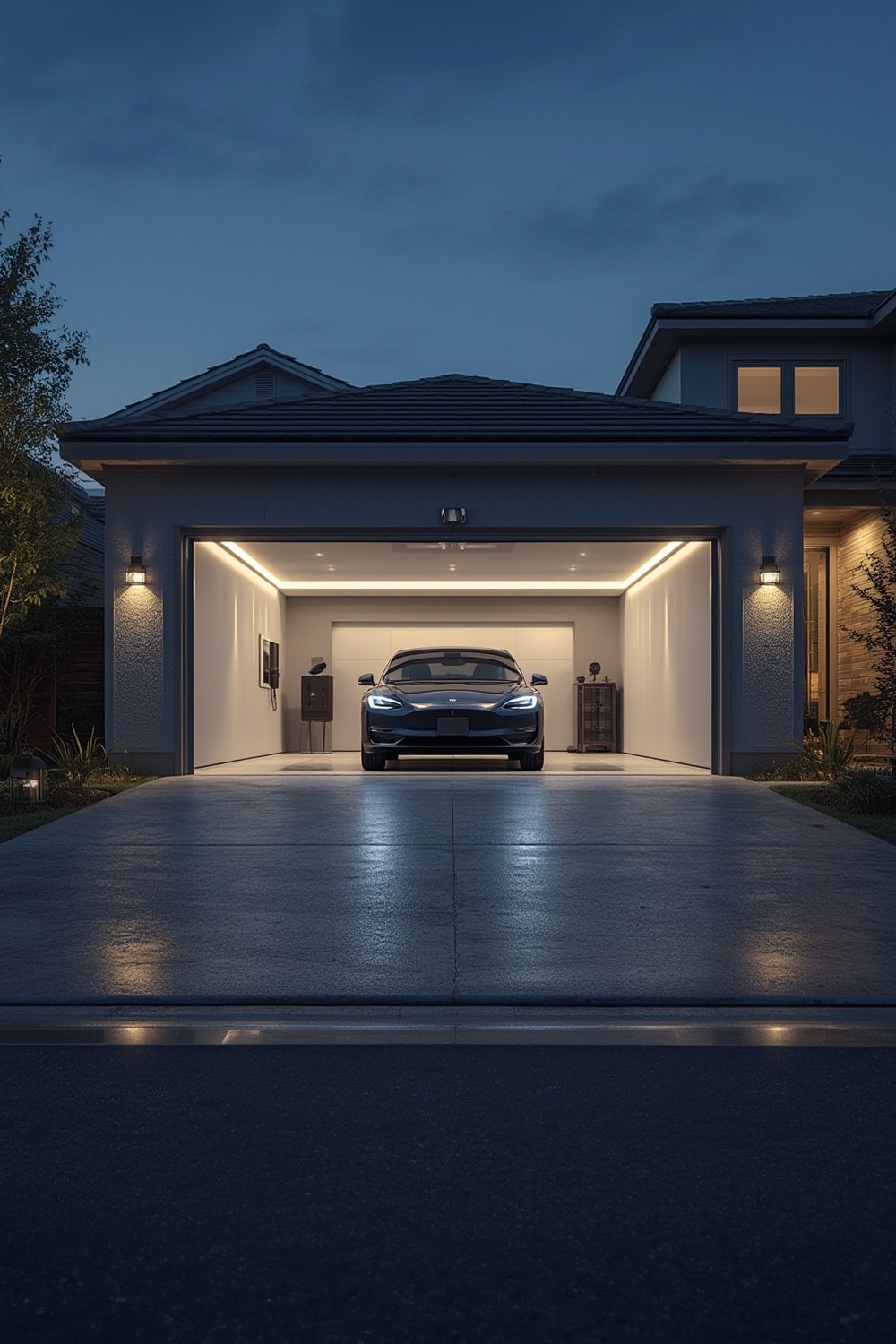
Upgrading to a smart garage opener improves convenience (never wonder if you left the garage open), security (instant alerts if opened unexpectedly), and can even bump up your home’s resale value. With 58% of new installations already WiFi-equipped and projected market growth to $2.12 billion by 2033, it’s fast becoming the standard for modern homes.[Source]
If you already have a compatible opener, you can often add smart features by installing a WiFi adapter (like Chamberlain MyQ) for as little as $22–50. Full replacements with smart home integration range much higher, but most new models natively support app control with robust security enhancements.
Step-by-step guide: How to choose and install a smart garage door opener
Step 1: Assess compatibility and your existing setup
Check your current garage door opener’s make and model. About 25% of retrofits require extra hardware, especially for openers manufactured before 1993 or those lacking standard sensors. If you want Alexa or Google Assistant support, verify the model or adapter specifically lists the assistant you plan to use.
Step 2: Decide between adapter or replacement
Smart adapters work for most openers made after 1993 and usually install in under 30 minutes. If your opener is older, missing critical safety sensors, or due for replacement, consider a full WiFi-enabled opener for the latest connectivity and safety.
Step 3: Choose connectivity tech and features
Most buyers opt for WiFi, which offers longer range and smoother smart home integration than Bluetooth or Z-Wave in residential setups. Prioritize models with two-way encryption, app notifications, battery backup, and voice assistant support.
Step 4: Prepare your tools and garage
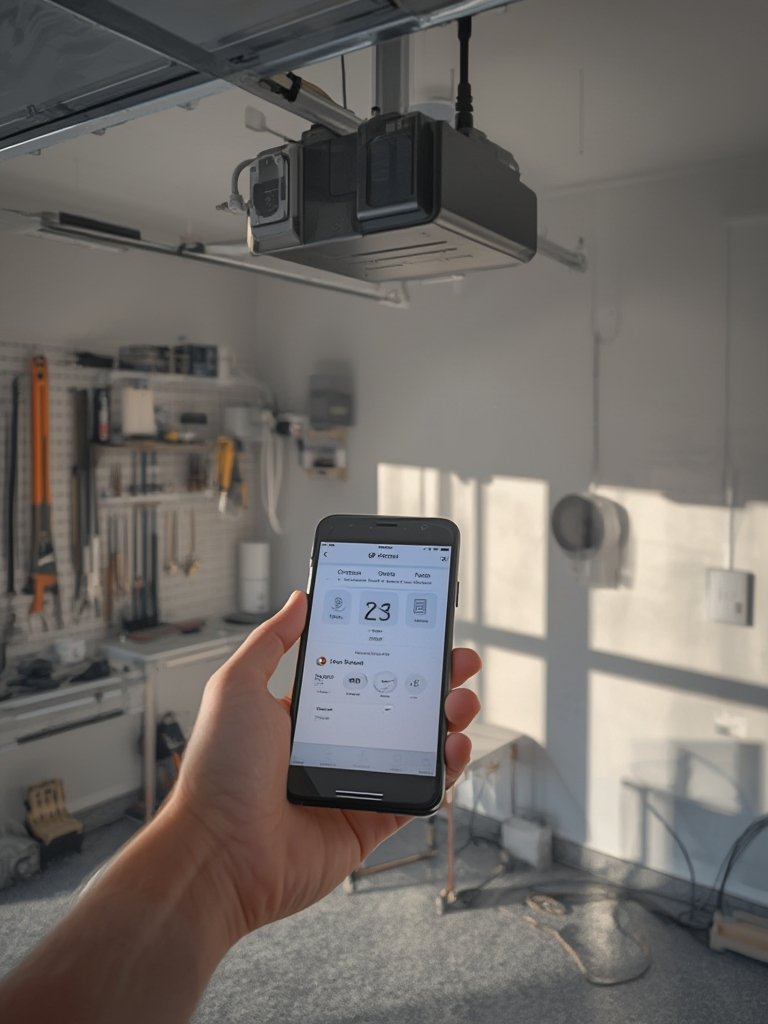
Gather a screwdriver, ladder, your home WiFi password, your phone, and protection for sensitive car paint. Unplug and secure your existing opener while working. If installing a new unit, have a helper for lifting.
Step 5: Install and configure
- Follow the printed or app-guided instructions closely.
- Pair the device with your WiFi; ensure you use a strong, unique password for your garage network.
- Download the manufacturer’s app and calibrate open/close cycles as prompted.
- Test voice assistant or smart home scenarios if available.
Step 6: Optimize security and notifications
Set up two-factor authentication and schedule automatic closures after a set time. Enable instant alerts so you’ll always know if someone opens the door-even if you’re away.
For added home security outside, consider pairing your system with an Ring Floodlight Cam Wired Plus or using motion sensor solar lights for driveway illumination and monitoring.
Advanced analysis and common pitfalls to avoid
Compatibility mismatches
Don’t assume every “universal” adapter will work with your motor or wall button setup. About 25% of older systems need extra relays, sensors, or wiring tweaks-factor this expense and time into your planning.
Connectivity and range headaches
Bluetooth-based systems have a typical 30-meter range (improved to about 100 meters with Bluetooth 5.0), but may still struggle in multi-level or detached garages. WiFi is more robust but can suffer if your router is distant or signal is weak—use a mesh network or range extender if needed.
Installation complexity
Many adapters promise “plug and play,” but ceiling height, wiring quirks, or sensor relocation can turn a 30-minute install into a half-day project. If you doubt your DIY skills, professional installation may be the smarter investment.
Cost and subscription trade-offs
| Type | Price Range (USD) | Features | Notes |
|---|---|---|---|
| Basic Manual | $150–200 | Remote only | No smart features |
| WiFi-Enabled | $250–400 | App alerts, scheduling | Standard for new openers |
| Smart Home Integrated | $400–900 | Alexa, Google, HomeKit | Full ecosystem support |
| Retrofit Adapter | $22–50 | Adds smart to older opener | Quick install, limited by compatibility |
Subscription fees for cloud video storage, voice control, and advanced notifications may apply-especially for adapters. Always check if these costs are upfront or recurring.
Security and privacy
Most modern systems use advanced encryption and multi-factor authentication, with manufacturers reporting a 35% drop in unauthorized access since Bluetooth Low Energy protocols became standard.[Source] Still, concrete breach data is limited and wary buyers may want to research regularly for updated privacy findings.
Integration with other smart home devices-like smart floor lamps with USB charging (read more)-can streamline routines, but always consider the privacy implications before connecting new devices.
Missing real-world data and regional differences
Market reports give strong projections and adoption rates, but actual consumer reviews, failure rates, and hardware reliability analysis are rarely transparent. European installations may face more rigorous security regulation and energy standards, while U.S. buyers focus more on price and support.
Conclusion
Smart garage door opener systems deliver game-changing convenience and security, especially as WiFi and mobile app features become standard. Yet buyers should do their research: check compatibility first, budget for add-on hardware, and compare real user experiences—not just spec sheets. For best results, combine your smart garage with other smart home upgrades, like efficient garage tool storage solutions or smart security lighting. Ready to make your garage as smart as your home? Start by checking which smart garage door opener matches your needs and get connected today!
Frequently asked questions
Are smart garage door openers worth the cost?
For most households, the added security, convenience, and peace of mind make them a solid investment, especially if you frequently forget to close your garage or want to monitor access for family and deliveries.
Can I retrofit my old garage door opener?
Usually, yes-if your opener was manufactured after 1993 and supports standard safety sensors. Adapters like Chamberlain MyQ cover many models, but check compatibility before buying.
What happens if my WiFi goes down?
Your garage door will still work with manual remotes or keypads, but app-based control and notifications will pause until your network returns. Choose models that offer local control backup for added assurance.
Are these openers safe from hackers?
Most use advanced encryption, and manufacturers report declining incidents of unauthorized access. Still, using unique passwords and two-factor authentication helps reduce risk.
Is professional installation needed?
Not always-many adapters are DIY-friendly. However, for non-standard openers or complex integrations, hiring a pro can save time and prevent mistakes.